


 Sell on Robu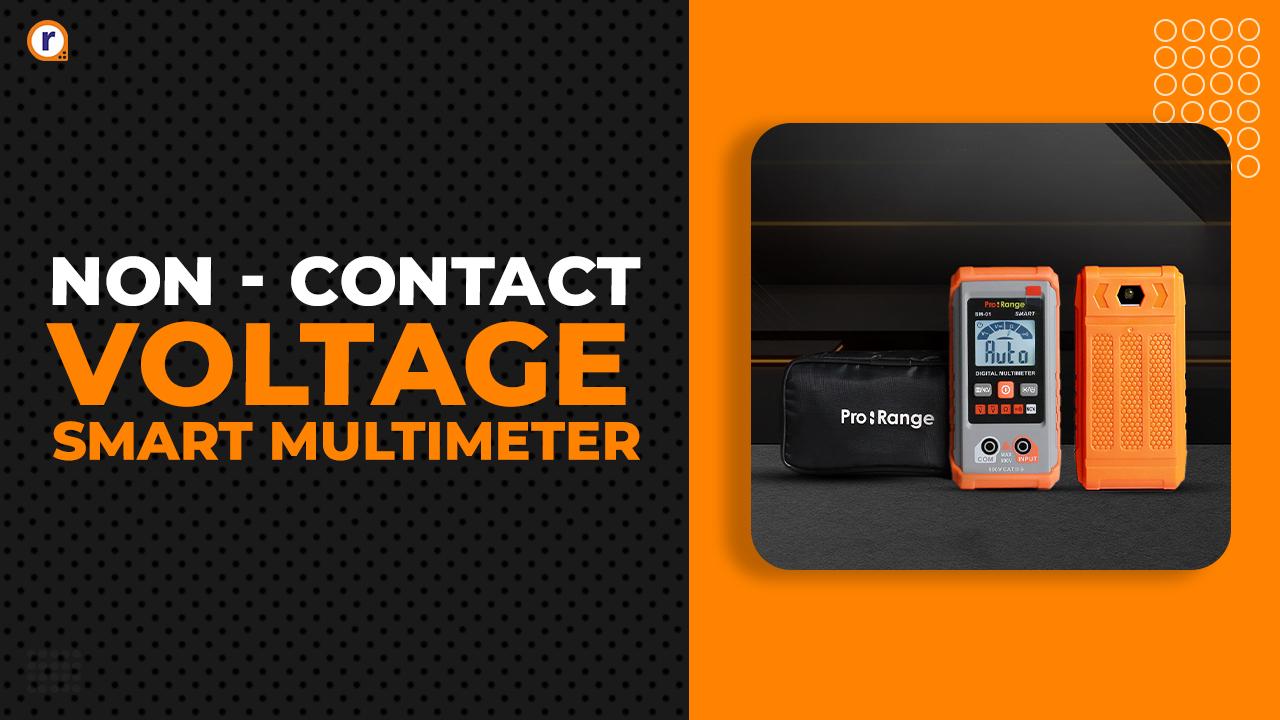


In the realm of electronics, precision is paramount. Whether you're a seasoned electrician, an avid hobbyist, or a budding engineer, having the right tools at your disposal can make all the difference. That's why we're excited to introduce our newest innovation: the Affordable Pro-Range SM-01 Smart Digital Multimeter, breaking cost barriers for safer work environments.
What is an NCV Multimeter?
An NCV (non-contact voltage) multimeter includes a feature for detecting the presence of voltage without requiring direct contact with the electrical conductor or circuit. Typically, NCV multimeters emit a visual or audible alert when they detect voltage, providing extra protection for electricians, technicians, and DIY enthusiasts. This feature is precious in situations where traditional contact-based voltage measurement methods may pose a risk of electrical shock or injury.
How Does a Smart Digital Multimeter Work?
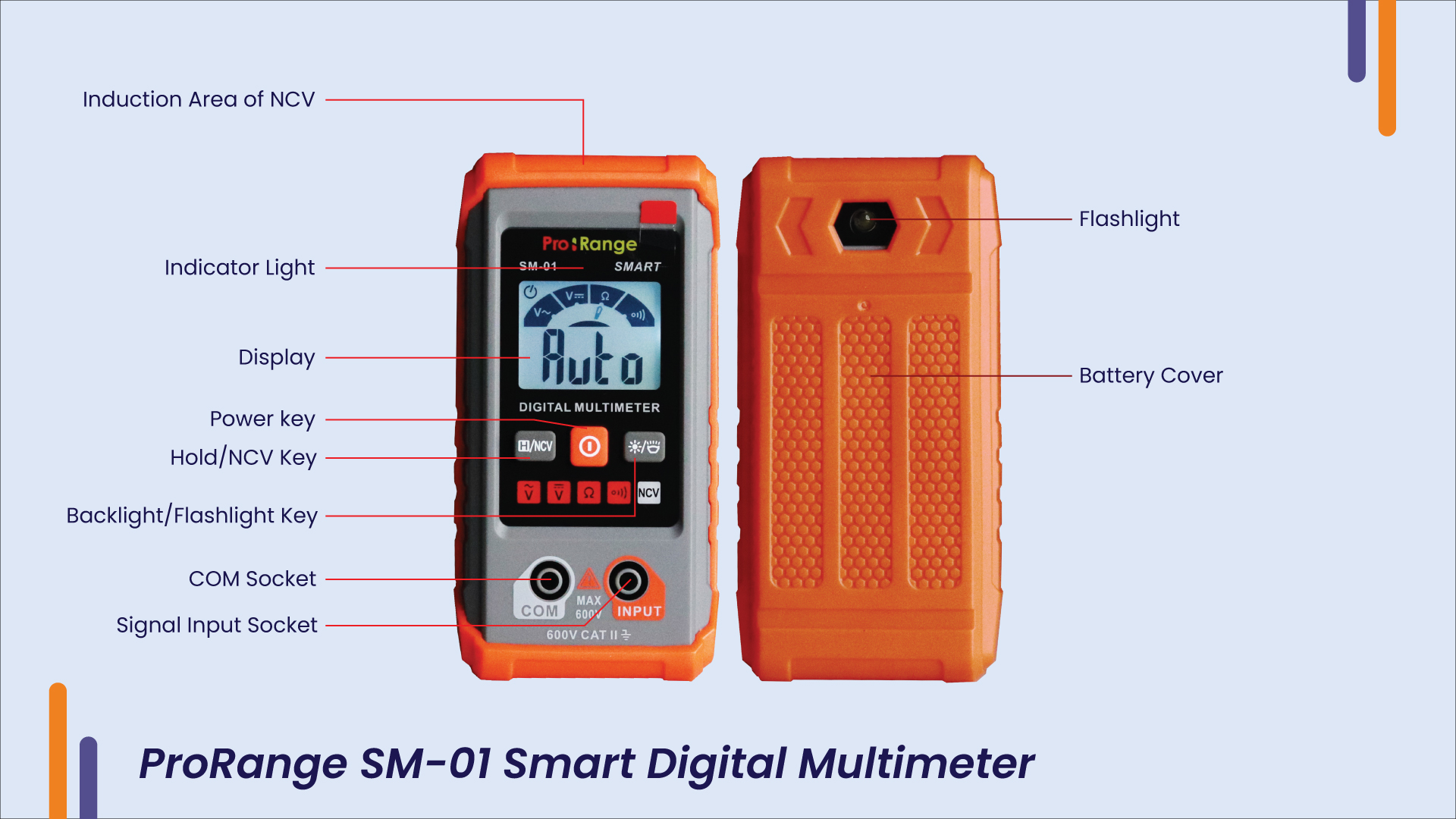
Smart (AUTO) Measurement:
This measurement mode is the default when powered on. This mode allows the meter to automatically detect the measuring signal and measures DC voltage, AC voltage, resistance, and continuity.
- Press the power key to power on, display AUTO, and enter the intelligent measurement mode.
- Insert the red probe in INPUT and the black probe into the COM port.
- Contact the probe of the multimeter with both ends of the measured power supply or resistance and the meter will automatically recognize the measured signal.
- Read the result from the display.
Non-Contact AC Voltage Detection:
- After powering on the digital multimeter, press and hold the NCV key.
- The NCV induction area is gradually closer to the conductor
- When the weak electric field signal is detected, it will display "--L," the backlight will be on, the buzzer will sound quickly, and the red light will be on.
- When the strong electric field signal is detected, it will display "--H," the backlight will be on, the buzzer will sound quickly, and the red light will be on.
Other Features:
- Press the hold key to turn on or off data holding
- Backlight/Flashlight key: Press one time to turn on or off the backlight and press and hold for about 2 seconds to turn on/off the flashlight
- If there is no operation within 15 minutes, the digital multimeter will auto-power off.
Conclusion:
The NCV Smart Digital Multimeter represents a significant development in electronic measurement instruments. Its combination of non-contact voltage detection and sophisticated digital features prioritizes safety, accuracy, and ease of use. This unique device sets a new standard for electric efficiency and dependability, fulfilling the needs of both professionals and hobbyists.




Leave a Comment Your email address will not be published. Required fields are marked*