


 Sell on Robu


If you’re planning an embedded, robotics, or AI project in 2026, you’ve probably asked this question:
Should I get an Arduino UNO Q or a Raspberry Pi 5?
Both are powerful. Both run Linux. Both have wireless connectivity and RAM. Both can connect to sensors, motors, and the internet. But they are built for very different purposes. And we’ll break down the differences, compare performance, ecosystem, power, and use cases, and help you pick the right board for your project.
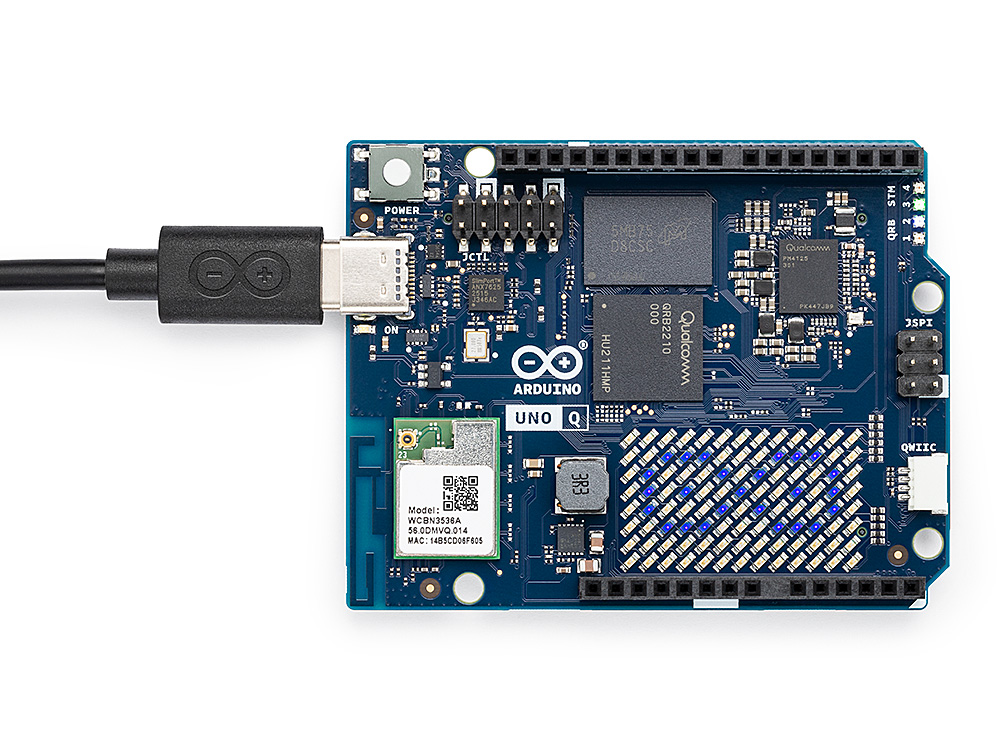
It’s a hybrid system that combines:
-
A Linux-based processor
-
A dedicated microcontroller
This means it has two brains working together.
Key Features:
-
Dual architecture (Linux + microcontroller)
-
Built-in Wi-Fi and Bluetooth
-
Onboard eMMC storage (16GB/32GB)
-
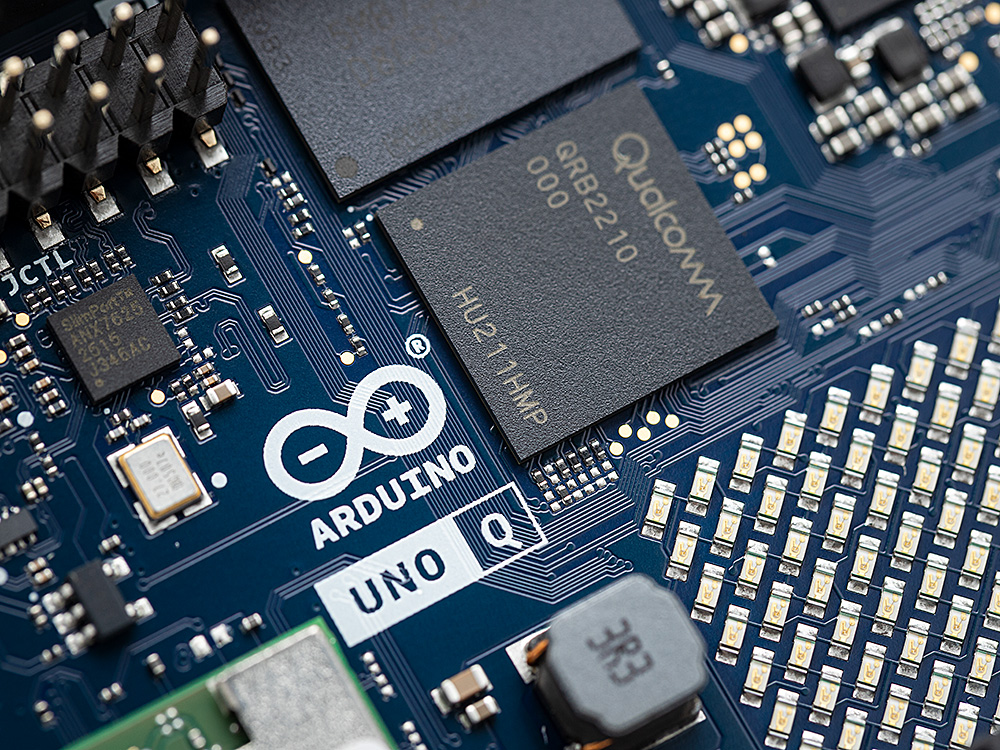
Arduino UNO form factor (shield compatible)
-
Designed for real-time + computing tasks together
Why it’s different:
Traditional Arduino boards only handle real-time tasks.
UNO Q adds full computing power while keeping precise hardware control.
What is Raspberry Pi 5?
The Raspberry Pi 5 is a single-board computer (SBC).
It works like a small PC:
-
Runs full Linux OS
-
Supports apps, servers, AI, dashboards
-
Handles everything on one powerful processor
Key Features:
-
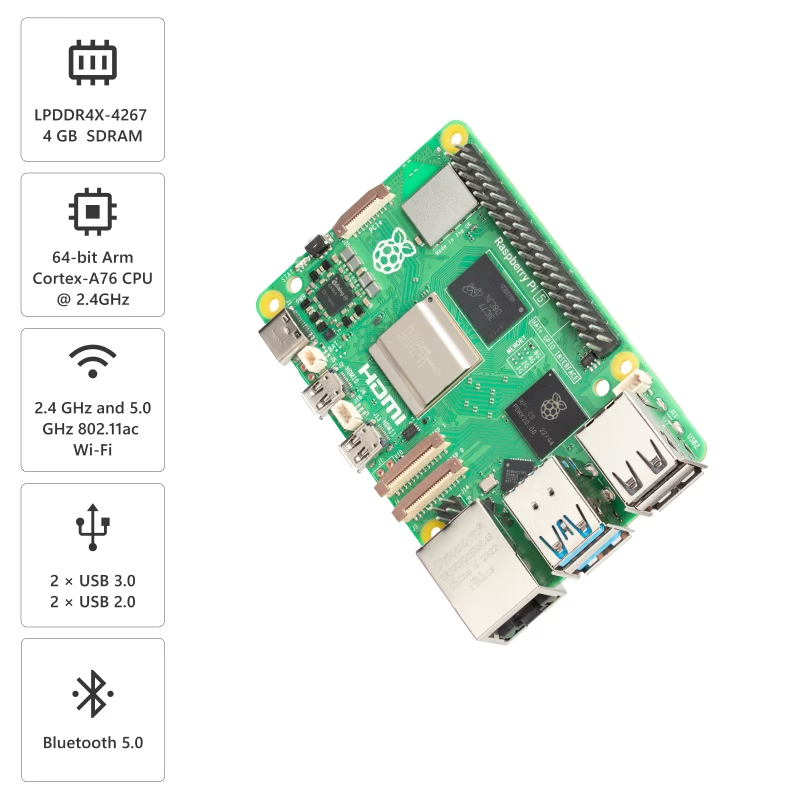
Quad-core CPU (up to 2.4 GHz)
-
Up to 16GB RAM options
-
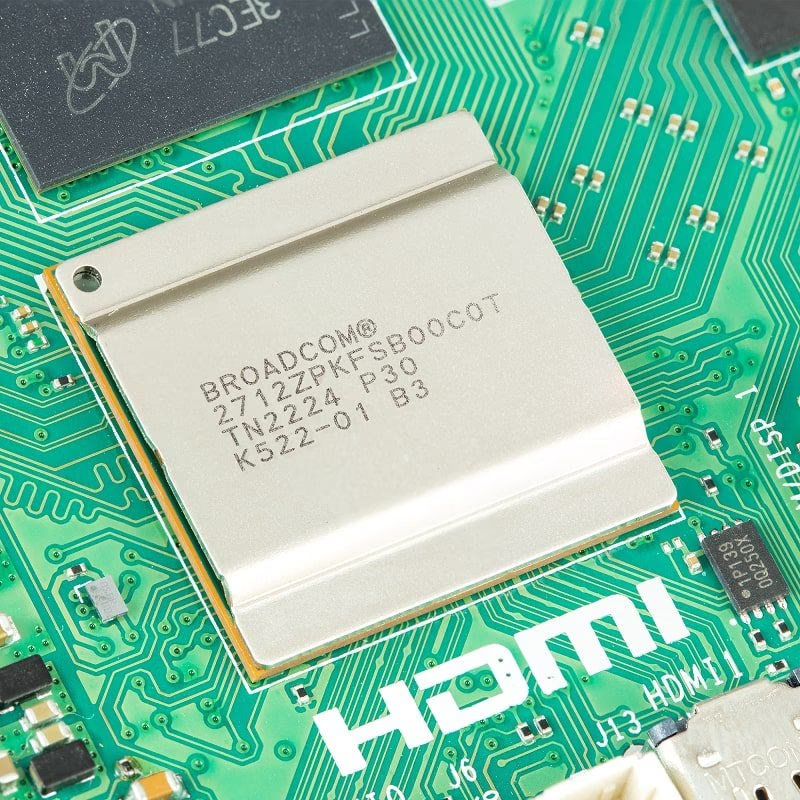
HDMI, USB, Ethernet, PCIe support
-
Massive community + software ecosystem
-
Supports AI (with or without accelerators)
Why it’s popular:
It’s flexible, powerful, and supports almost any programming language or tool.
Core Difference: Architecture
This is the most important difference.
Arduino UNO Q is a dual-brain system.
-
The processor runs Linux.
-
A microcontroller handles real-time tasks.
These communicate via an internal bridge.
Result:
-
Precise timing
-
Reliable hardware control
-
No latency for critical tasks
Raspberry Pi 5 has a single brain system.
-
One processor handles everything
Result:
-
Higher performance
-
More flexibility
-
But no guaranteed real-time timing
Performance Comparison
|
Feature |
||
|
CPU |
~2 GHz (quad-core) |
~2.4 GHz (quad-core, newer architecture) |
|
RAM |
2GB /4GB |
2GB / 4GB / 8GB/ 16GB |
|
Storage |
Built-in eMMC |
External (SD / SSD) requires |
|
Performance |
Moderate |
High |
Key Insight:
-
Raspberry Pi 5 is faster overall.
-
UNO Q is optimized for balanced performance + control
Real-Time Control (Critical Difference)
-
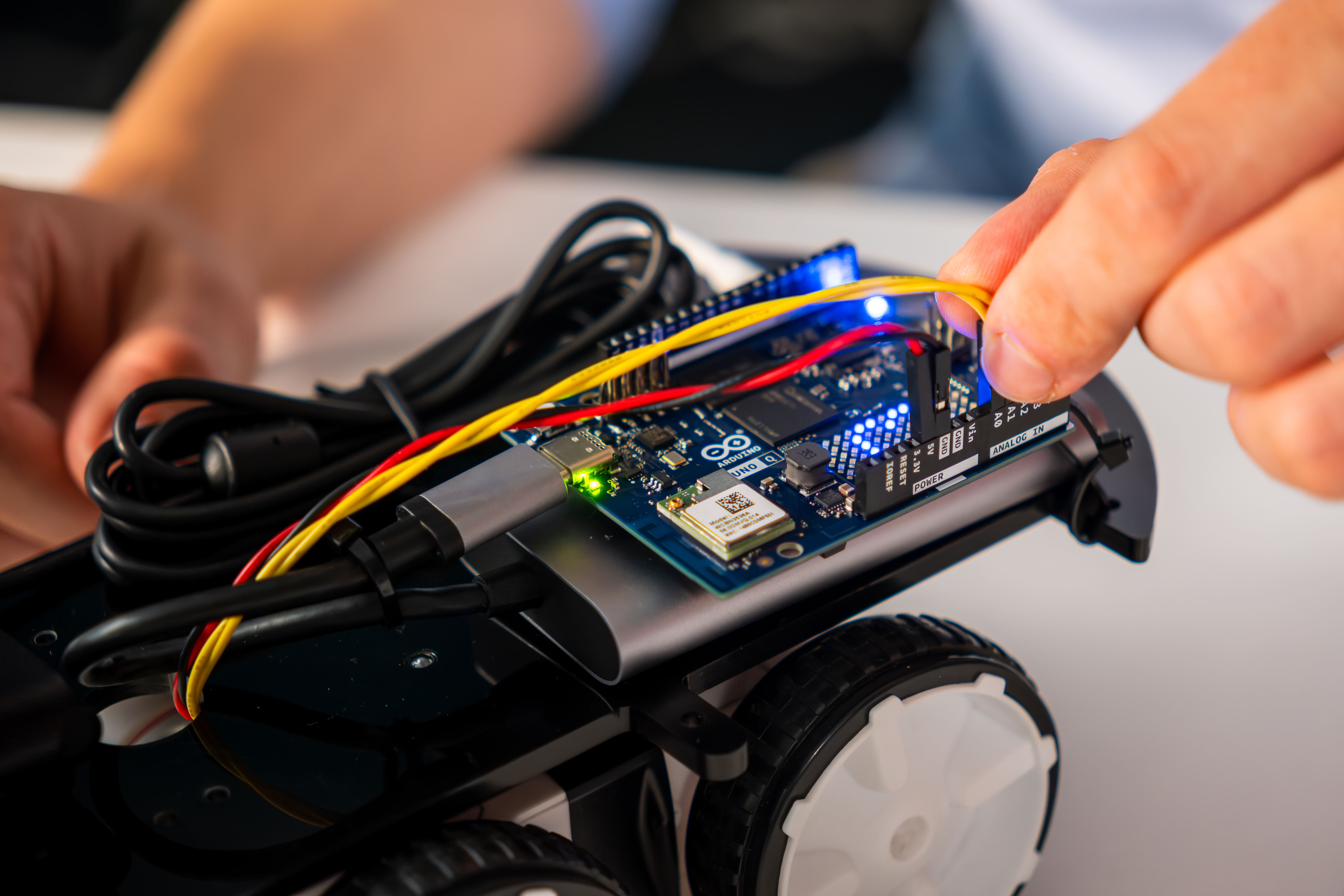
Dedicated microcontroller
-
Handles sensors, motors, interrupts
Perfect timing
No OS interference
-
Linux manages everything.
Timing can vary.
Not ideal for precise control
Example:
-
For Robot arm UNO Q (better)
-
Web dashboard Pi 5 (better)
Connectivity & Ports
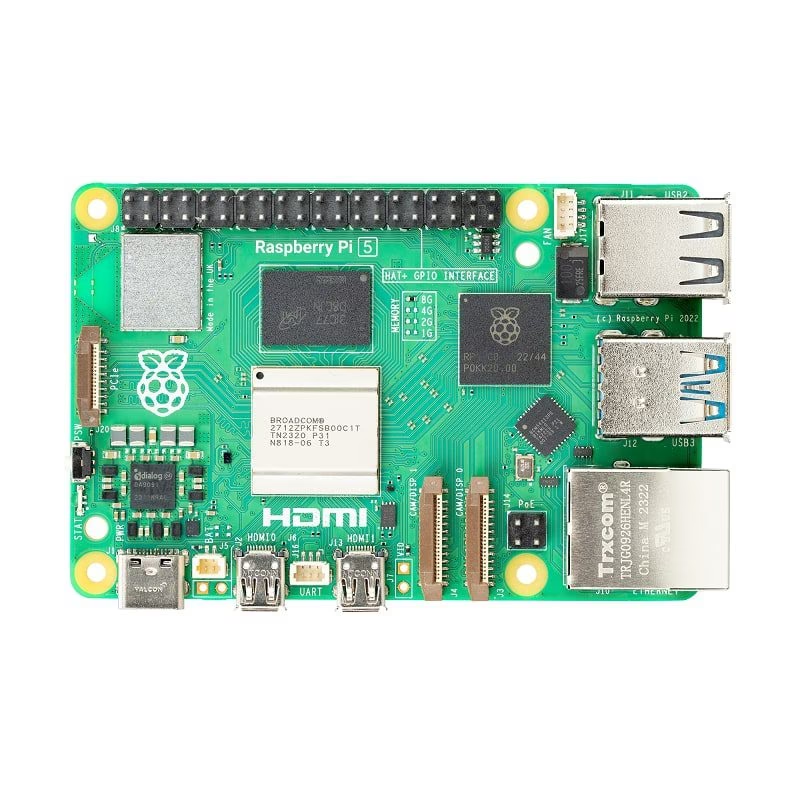
-
USB ports
-
HDMI
-
Ethernet
-
PCIe (for SSDs, AI accelerators)
More hardware expansion options
-
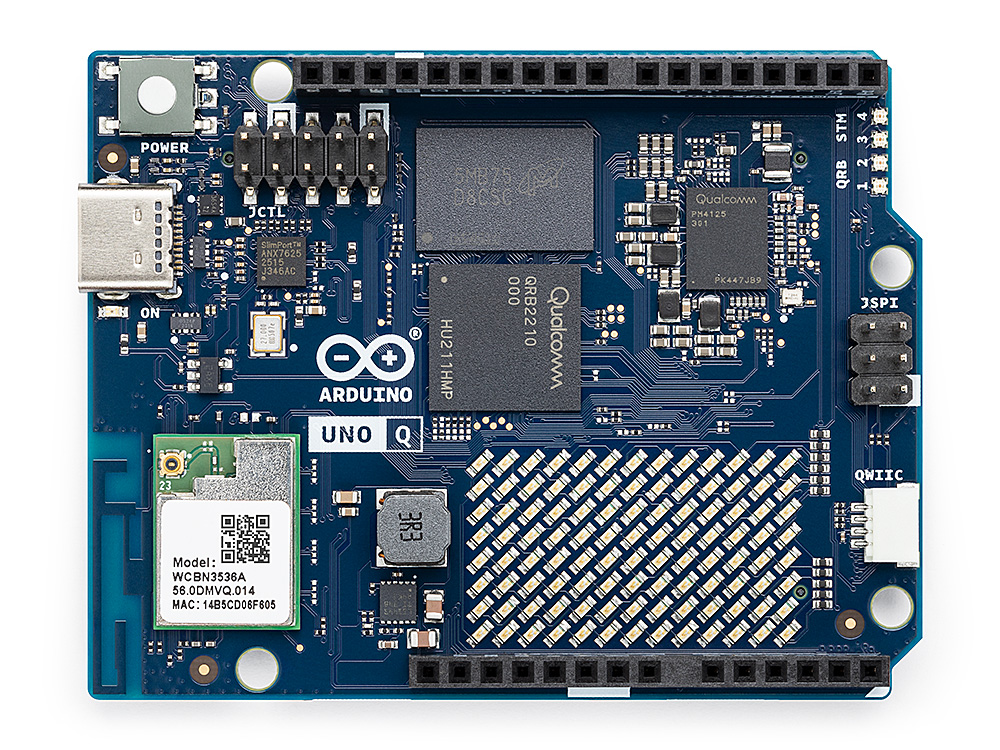
USB-C (limited ports)
-
Arduino shield support
-
Built-in LED matrix (on some variants)
Simpler but more focused on embedded use
Ecosystem Difference
Arduino UNO Q Ecosystem
-
Arduino shields
-
Arduino IDE / App Lab
-
Structured development
Best if you already use Arduino
Raspberry Pi Ecosystem
-
Python, C, Rust, JS, Go
-
Thousands of libraries
-
Huge global community
Best for software and flexibility
Storage Difference UNO Q
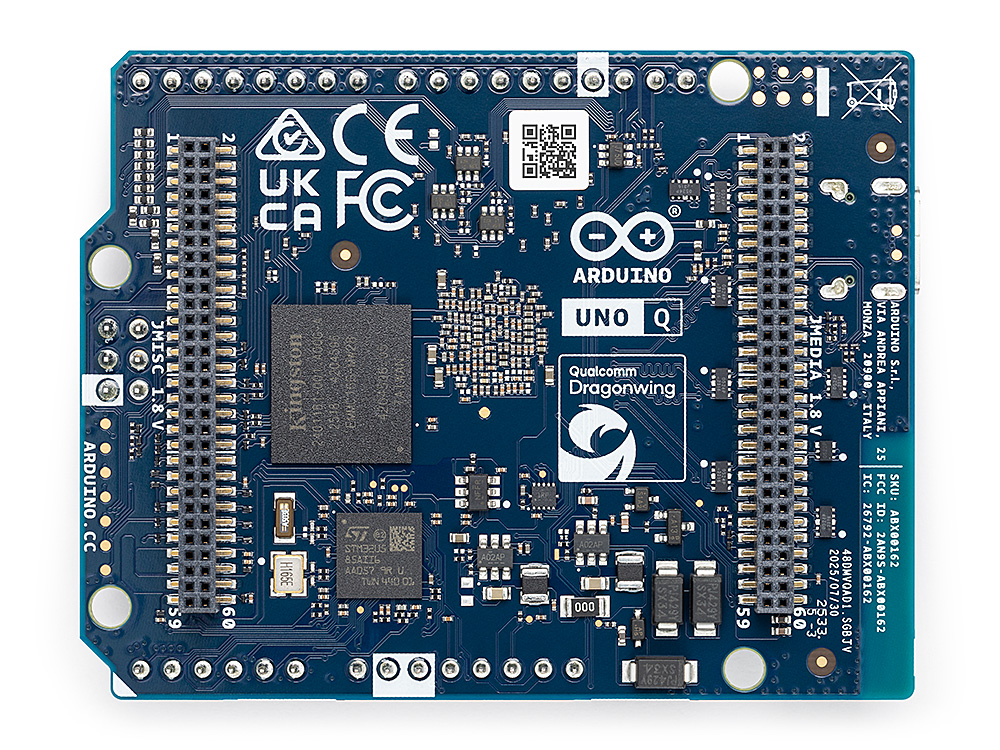
-
Built-in eMMC (16GB / 32GB)
Plug and play
Limited upgrade
-
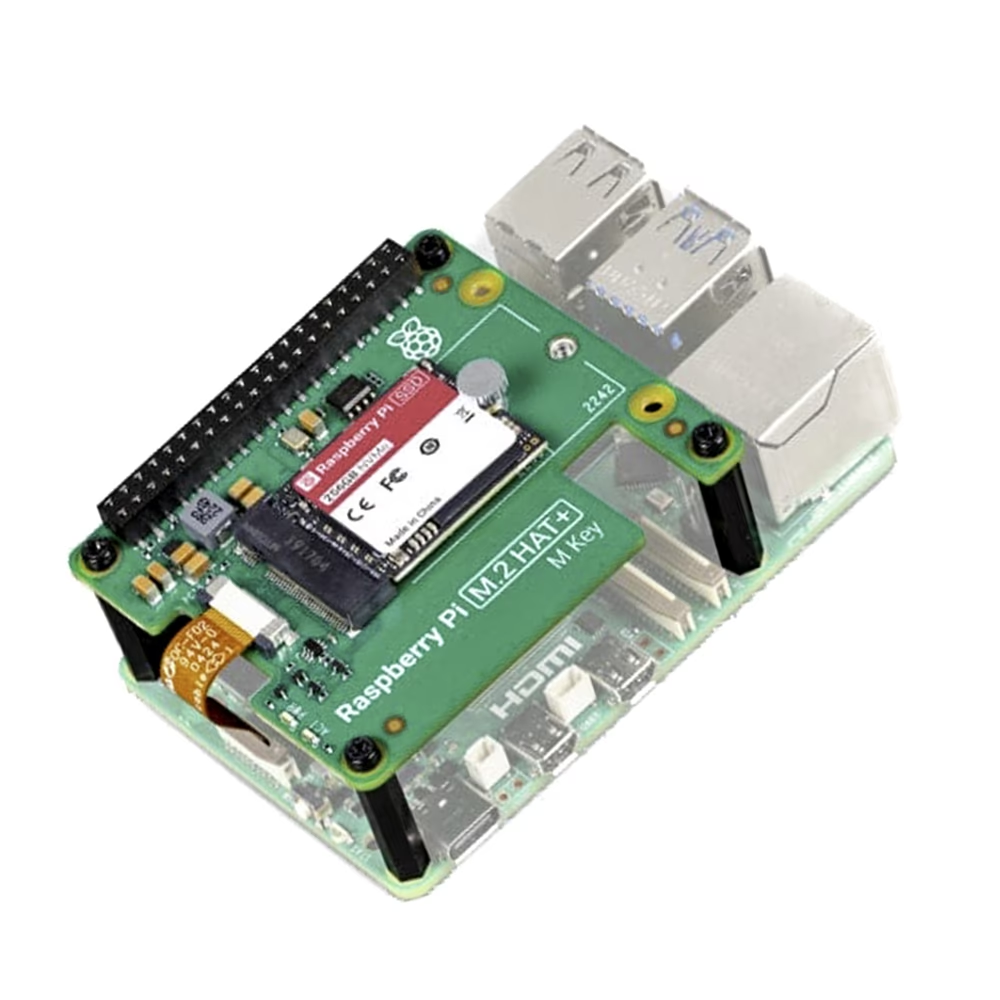
Uses SD card or NVMe SSD
Flexible storage
Needs setup
Power Consumption
-
More efficient
-
Better for battery-based systems
-
Higher power usage
-
Needs stable power supply
Key Insight:
-
IoT / remote projects → UNO Q
-
Desktop / server use → Pi 5
AI & Machine Learning
-
Strong for AI workloads
-
Supports external AI accelerators
-
Supports edge AI
-
Better for AI + hardware integration
Example:
-
Computer vision server → Pi 5
-
Smart robot with sensors → UNO Q
Pricing & Value
|
Board |
Price Range (approx) |
|
UNO Q |
₹4,000 – ₹6,000 (plus accessories for SBC mode) |
|
Pi 5 |
₹5,000 – ₹20,000 (plus accessories) |
Important:
-
Pi needs SD card, PSU, case
-
UNO Q includes storage
The final cost can be similar.
Use Case Breakdown
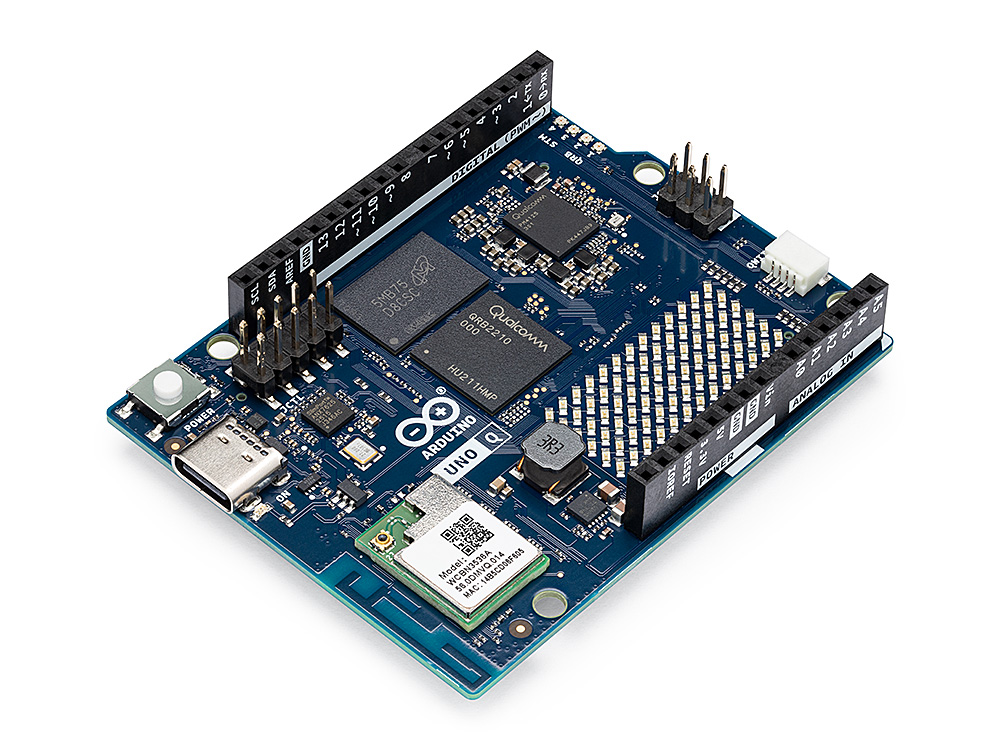
Choose Arduino UNO Q if you want
-
Robotics
-
Real-time control systems
-
Hardware AI application
-
Embedded systems
-
Sensor-heavy projects
-
Low-power applications
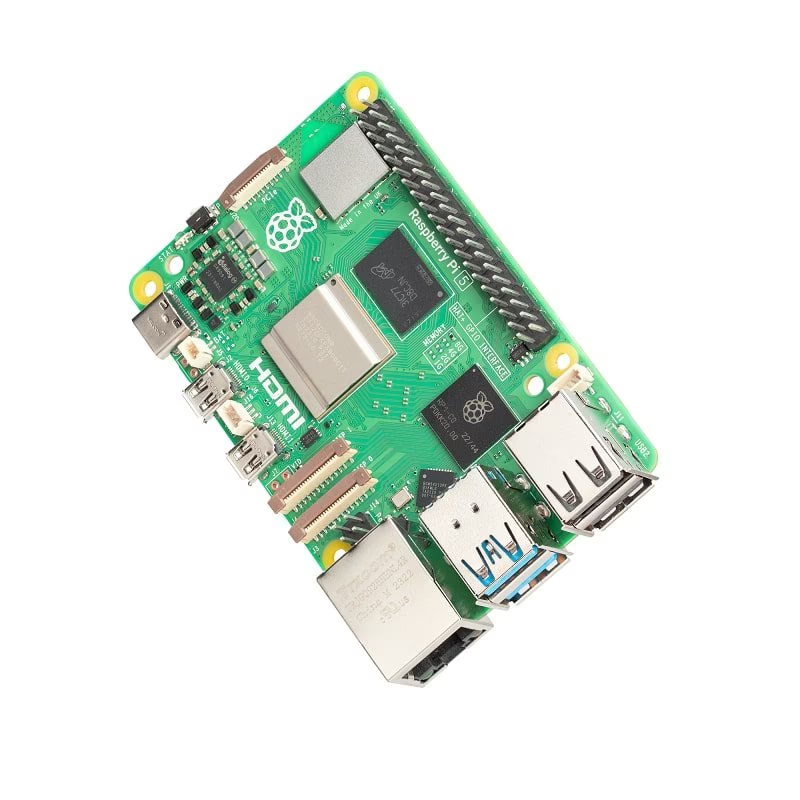
Choose Raspberry Pi 5 if you want:
-
Software development
-
Software AI applications
-
Media servers
-
Web dashboards
-
Desktop-like usage
Use BOTH if you want.
-
Advanced robotics
-
AI + real-time systems
-
Industrial automation
This is actually the best setup for serious projects.
Pros & Cons
Pros:
-
Real-time precision
-
Built-in storage
-
Arduino compatibility
-
Efficient power usage
Cons:
-
Limited ports
-
Smaller Community for UNO Q as it new product
-
Lower raw performance
Pros:
-
High performance
-
Huge ecosystem
-
Flexible programming
-
More ports & expansion
Cons:
-
No real-time guarantee
-
Higher power consumption
-
Requires extra components
Complete comparison
|
Feature |
||
|
Type |
Hybrid (SBC + MCU) |
Full SBC (mini PC) |
|
Architecture |
Dual system (Linux + Microcontroller) |
Single system (Linux CPU only) |
|
Core Strength |
Real-time control + computing |
High-performance computing |
|
CPU |
Quad-core Cortex-A53 + MCU (~2 GHz) |
Quad-core Cortex-A76 (~2.4 GHz, newer) |
|
OS |
Linux + RTOS |
Linux only |
|
RAM Options |
2GB / 4GB |
2GB / 4GB / 8GB / 16GB |
|
Storage |
Built-in eMMC (16GB/32GB) |
SD Card / NVMe SSD (external) |
|
Performance |
Moderate but efficient |
High performance |
|
Real-Time Capability |
Dedicated microcontroller (precise timing) |
No real-time reliability |
|
Best For |
Robotics, embedded, IoT |
AI apps, servers, dashboards |
|
Connectivity |
Wi-Fi + Bluetooth |
Wi-Fi + Bluetooth + Ethernet |
|
Ports |
Limited (USB-C, GPIO, Shields) |
USB, HDMI, Ethernet, PCIe |
|
Expansion |
Arduino Shields |
HATs, PCIe, USB devices |
|
Ecosystem |
Arduino ecosystem (structured) |
Massive global ecosystem |
|
Ease for electronics |
Easy |
Needs extra hardware |
|
GPIO control |
Advanced (ADC, PWM, CAN) |
Limited (no ADC) |
|
Programming |
Arduino IDE, App Lab (Python, C++, JS, HTML) |
Python, C, JS, Rust, Go, etc. |
|
Power Consumption |
Low (battery-friendly) |
Higher (needs stable PSU)
|
|
AI Capability |
Edge AI + hardware integration |
Full AI workloads + accelerators |
|
Built in AI / Vision |
Built-in support |
Not built-in but Strong Support |
|
Display |
USB-C video |
Dual HDMI (4K) |
|
Ease of Use |
Easy for hardware beginners |
Flexible but slightly complex |
|
Cost (Total Setup) |
₹4K–₹6K (includes storage) |
₹5K–₹20K (extras needed) |
|
Plug & Play |
Yes |
Needs setup (SD, OS, etc.)
|
Where to use?
|
Use Case If You Want... |
Best Choice Go For |
|
Real-time control (motors, sensors, Robotics, AI + Sensors Home automation, Learning electronics) |
UNO Q |
|
High-speed computing / AI |
Pi 5 |
|
Battery-powered IoT project |
UNO Q |
|
Desktop-like system / server Media / video |
Pi 5 |
|
Advanced robotics (best combo) |
Use BOTH |
Final Thoughts
There is no “better” board.
Only better for your use case.
If your project depends on timing and hardware control → go with UNO Q
If your project depends on performance and software, → go with Raspberry Pi 5.
Pro Tip for Advanced Users
The best approach in 2026:
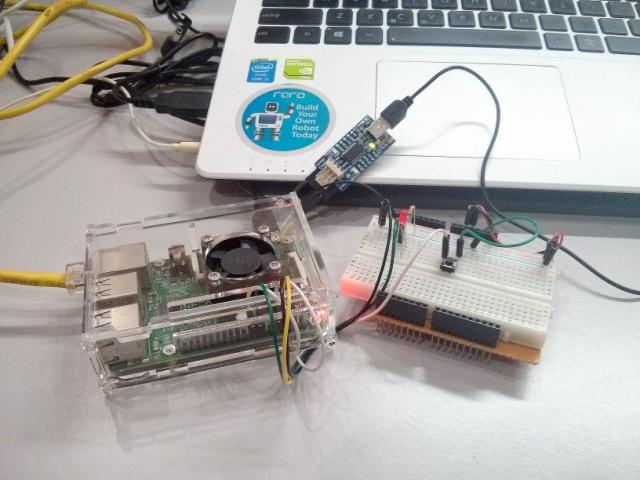
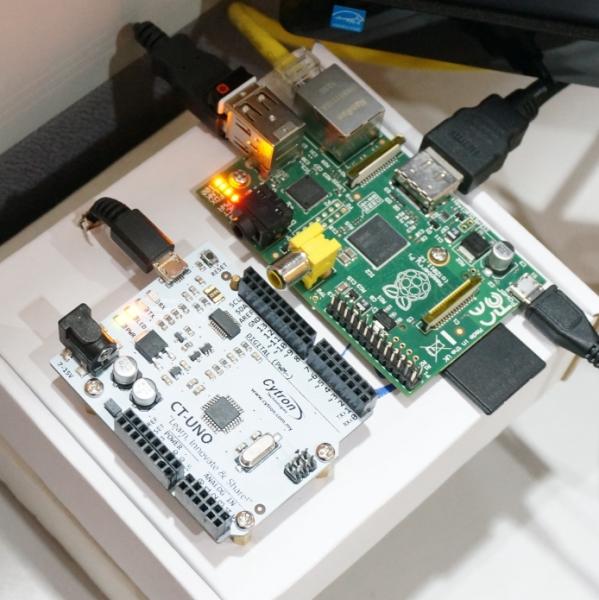
Use the Raspberry Pi 5 + Arduino UNO Q together.
-
Pi → handles AI, UI, cloud
-
UNO Q → handles real-time control
This gives you:
Power
Precision
Scalability
Conclusion
The debate between Arduino UNO Q and Raspberry Pi 5 isn’t about choosing a winner.
It’s about understanding:
-
What your project needs
-
What each board does best
Once you understand that, your decision becomes simple.
Related Videos - https://www.youtube.com/@RobuInlabs
Arduino UNO Q - https://robu.in/product-category/arduino-single-board-computer-2/
Raspberry Pi 5 - https://robu.in/product-category/raspberry-pi-5/




Leave a Comment Your email address will not be published. Required fields are marked*