


 Sell on Robu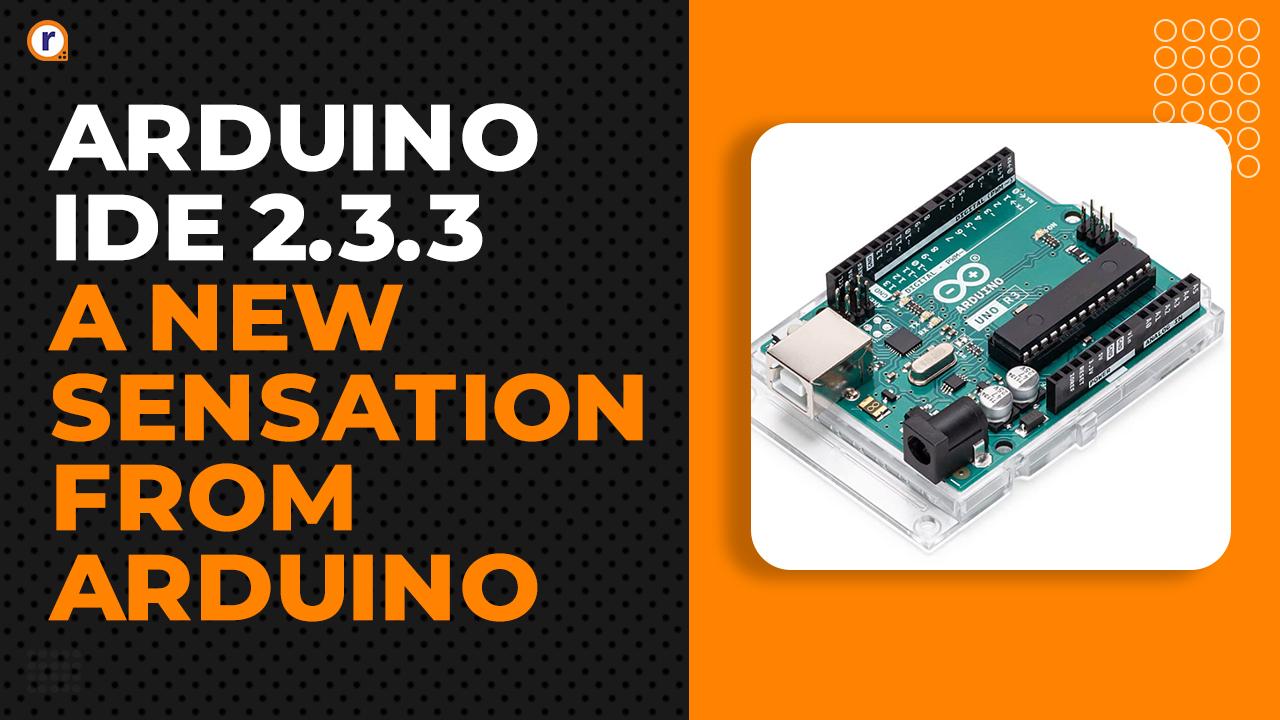


Firstly We Know About What is Arduino 2.3.3
Today's time one of the most significant advancements in this space is the Arduino IDE 2.3.3 . If you are an enthusiast, a hobbyist, or a professional, having the right tools for developing your projects is crucial. This blog dives deep into the features, benefits, and everything else you need to know about Arduino IDE 2.3.3, Whether you're a beginner or an experienced developer, this comprehensive guide will equip you with the knowledge to make the most of this incredible tool. The Arduino Integrated Development Environment (IDE) is a software application used to write, compile, and upload code to Arduino-compatible boards. It is the backbone of the Arduino ecosystem and serves as a bridge between your code and the microcontroller. The IDE supports the Arduino programming language and is also compatible with C and C++.
The latest version, Arduino IDE 2.3.3 offers significant improvements and new features designed to enhance the development experience.

Let's Have Some Discussion on Arduino IDE 2.3.3
Key Features of Arduino IDE 2.3.3
Here are some of the most exciting features introduced in Arduino IDE 2.3.3
- Enhanced User Interface (UI)
Arduino IDE 2.3.3 boasts a modern and intuitive UI that improves navigation and usability. The design is cleaner and more organized, making it easier for developers to locate tools and resources.
- Dark Mode
- Dockable Panels
- Built-in Debugger
Debugging is an essential part of the development process. Arduino IDE 2.3.3 introduces an integrated debugger that simplifies troubleshooting. It supports breakpoints, step-by-step execution, and variable inspection, enabling users to identify and fix issues efficiently.
3.Improved Code Editor
The new IDE features a powerful code editor with:
- Syntax Highlighting: Makes it easier to identify different components of your code.
- Auto-completion: Speeds up coding by suggesting commands as you type.
- Error Highlighting: Points out syntax and logical errors in real-time.
- Faster Compilation Times
With optimizations under the hood, Arduino IDE 2.3.3 offers significantly faster compilation times. This improvement is particularly beneficial for large projects.
- Library Manager Enhancements
Managing libraries is more straightforward in this version. Users can search, install, update, and remove libraries effortlessly using the updated Library Manager.
- Cross-platform Support
Arduino IDE 2.3.3 is available for Windows, macOS, and Linux, ensuring that developers can work on their preferred operating systems.
- Integrated Git Support
For teams collaborating on projects, integrated Git support is a game-changer. It allows users to manage their repositories directly from the IDE.
Why Upgrade to Arduino IDE 2.3.3?
If you're still using an older version of the Arduino IDE, here are compelling reasons to upgrade to 2.3.3
- Better Performance
- Advanced Debugging Tools
- Enhanced Productivity
- Modern Interface
- Ongoing Support
How to Install Arduino IDE 2.3.3
Step 1: Download the Installer
- Visit the official Arduino website.
- Navigate to the "Software" section.
- Select the version compatible with your operating system.
- Click "Download."
Step 2: Install the Software
- Windows: Double-click the .exe file and follow the installation prompts.
- macOS: Drag the .dmg file to the Applications folder.
- Linux: Extract the .tar.xz file and run the installer script.
Step 3: Connect Your Board
- Plug your Arduino board into your computer using a USB cable.
- Open Arduino IDE 2.3.3
- Select your board and port from the "Tools" menu.
Step 4: Test Your Setup
- Open the "Examples" menu and select a basic program, such as Blink.
- Click the "Upload" button to send the code to your board.
- Observe the LED on your board blinking, confirming a successful setup.
Best Practices for Using Arduino IDE 2.3.3
To make the most of Arduino IDE 2.3.3 , follow these best practices
- Organize Your Sketches
- Use descriptive names for your files.
- Group related sketches into folders for easy access.
- Keep Libraries Updated
- Regularly update your libraries to ensure compatibility and access to new features.
- Utilize Debugging Tools
- Leverage the built-in debugger to identify and fix issues early in the development process.
- Explore Plugins
- Expand the functionality of the IDE with plugins that cater to your specific needs, such as additional language support or advanced analytics.
- Collaborate Effectively
- Use the Git integration to manage team projects seamlessly.
Applications of Arduino IDE 2.3.3
The versatility of Arduino IDE 2.3.3 makes it suitable for a wide range of applications:
- Home Automation
Create smart home devices that automate lighting, temperature control, and security systems.
- IoT Projects
Integrate sensors, actuators, and cloud services to develop Internet of Things (IoT) applications.
- Robotics
Build robots that perform tasks ranging from basic movement to complex interactions.
- Educational Tools
Teach programming and electronics using Arduino as a practical, hands-on tool.
- Prototyping
Rapidly prototype electronic circuits and test ideas before scaling up to production.
- Troubleshooting Common Issues
Even with its advanced features, you might encounter challenges when using Arduino IDE 2.3.3. Here are some solutions to common problems:
- Problem: Board Not Detected
- Problem: Code Compilation Fails
- Problem: Upload Fails
- Problem: Slow Performance
- Some Tips for Beginners
If you're new to Arduino IDE, here are some tips to get you started
- Start Simple
- Learn the Basics:
- Explore Examples
- Join the Community
-
Future of Arduino IDE 2.3.3
The continuous development of Arduino IDE indicates a bright future. With features like AI-assisted coding and enhanced hardware compatibility on the horizon, Arduino IDE is set to remain a top choice for developers worldwide.
Conclusion For Arduino IDE 2.3.3
Arduino IDE 2.3.3 represents a significant leap forward in electronics and programming. Its user-friendly interface, robust features, and enhanced performance make it an indispensable tool for anyone working with Arduino boards. Whether you’re building your first project or developing advanced IoT applications, this IDE has everything you need to succeed.
Don’t wait—download Arduino IDE 2.3.3 today and bring your ideas to life!





proact ims
Wednesday, March 19, 2025